
Jenny ModGameplay:Play Interact& SurviveWith Jenny
Follow•Interact•Survive
Minecraft can start to feel a little repetitive when you have already explored the usual biomes, built your base, and survived countless nights. That is where Jenny Mod changes the experience by adding interactive companions to your world. Instead of simply walking around with normal Minecraft mobs, you can meet characters, interact with them, give gifts, ask them to follow you, explore together, and experience different companion behaviors during your gameplay
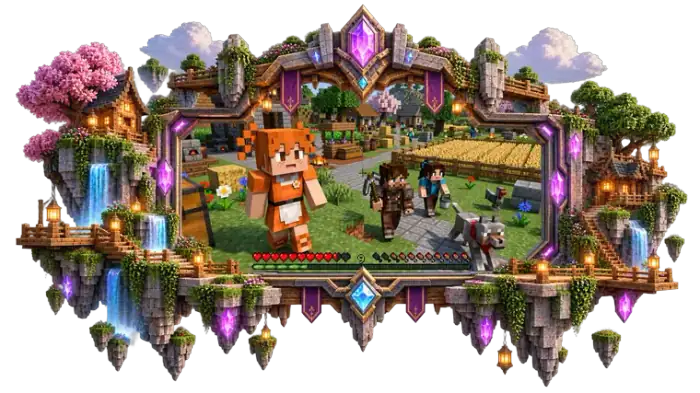
I have put this gameplay page together for players who want to go beyond simply installing Jenny Mod and actually understand how to use it in Minecraft. I’ll walk you through your first interaction with Jenny, companion commands, gifts, exploration, Survival and Creative gameplay, combat behavior, animations, and the differences you may notice between Java and Bedrock. Since features can vary between Jenny Mod builds, I’ll also point out where your Minecraft version or edition can change the way a feature works.
Jenny Mod Gameplay at a Glance
Jenny Mod adds a companion-focused layer to Minecraft, so the gameplay is not limited to spawning a character and leaving her standing at your base. Once Jenny or another supported character is in your world, you can interact with her, give gifts, change companion behavior, travel together, and test different abilities depending on the version you are using.
I usually recommend starting in Creative Mode when trying the mod for the first time. It gives you a simple way to spawn characters and test their interactions before taking them into a Survival world. From there, you can use Jenny as part of normal exploration, building, travelling, and encounters with hostile mobs.
The exact options are not identical in every Jenny Mod release. Java and Bedrock builds can use different mechanics, controls, character sets, and commands, so I always recommend checking the behavior of your particular version rather than assuming every feature shown in another build will be available in yours.
Jenny Mod on Java vs Bedrock
The Jenny Mod gameplay you get can feel different depending on whether you are playing Minecraft Java Edition or Bedrock Edition. I have found that this is one of the first things worth checking when a character, interaction, animation, or command does not behave the way you expected. The same Jenny Mod name does not necessarily mean that every feature works identically across editions.
Java Edition Gameplay
Java Edition is the traditional environment for Jenny Mod builds that use a .jar mod file and a mod loader such as Forge. Once the compatible setup is running, gameplay can include character interactions, companion behavior, animations, and other mechanics provided by that particular build.
Java also gives you more flexibility when combining Minecraft mods, but that does not mean every Jenny Mod release will work with every Minecraft version. A build designed for Minecraft 1.12.2, for example, should not automatically be treated as compatible with a much newer Java version.
Bedrock and MCPE Gameplay
Bedrock Edition uses a different system. Instead of treating Jenny Mod as a Java .jar mod, compatible versions generally use add-on files such as .mcaddon or .mcpack, with resource and behavior packs handling different parts of the experience.
This makes the gameplay setup different on Windows Bedrock and mobile devices such as Android. Controls are also different, especially when playing on a touchscreen. Character interactions, animations, commands, and available features can vary depending on the specific add-on.
Why Gameplay Can Differ
If you watch a Jenny Mod video and notice that the player’s Jenny has an option you cannot find, that does not necessarily mean your installation is broken. The difference may come from the Minecraft edition, mod or add-on build, Minecraft version, or the particular character package being used.
That is why I recommend treating Java and Bedrock as separate gameplay experiences. Before trying to reproduce a feature you have seen elsewhere, check your Minecraft edition and the Jenny Mod version you installed. This simple check can save you a lot of time when a command, character, animation, or interaction is missing.
Getting Jenny Into Your World
Once Jenny Mod is already installed and working with your Minecraft version, the next step is simple: you need to bring Jenny or another supported character into your world. The exact method depends on the build you installed, but the basic gameplay flow is similar. I recommend testing this in a new Creative world first so you can confirm that the characters and interactions are available before using them in your main Survival world.
Spawn Jenny
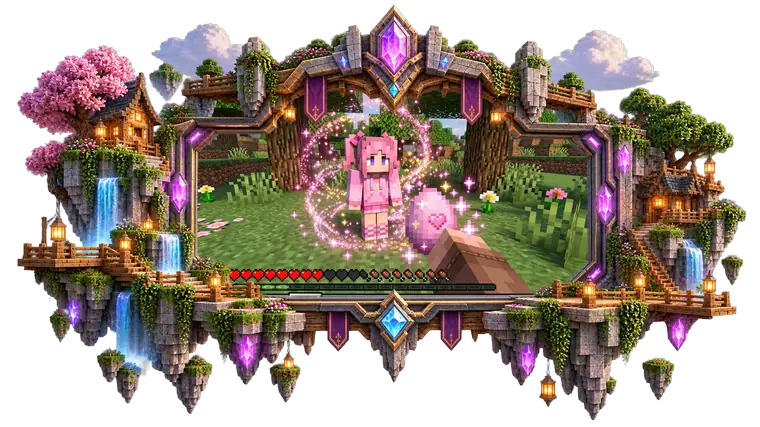
Open your Creative inventory or use the spawning method provided by your Jenny Mod build. If the version includes a Jenny spawn item or spawn egg, select it and use it in the world where you want the character to appear.
After spawning Jenny, give the game a few moments to load her model and behavior. If she appears correctly, walk toward her and check whether the available interaction options respond normally.
Spawn Other Characters
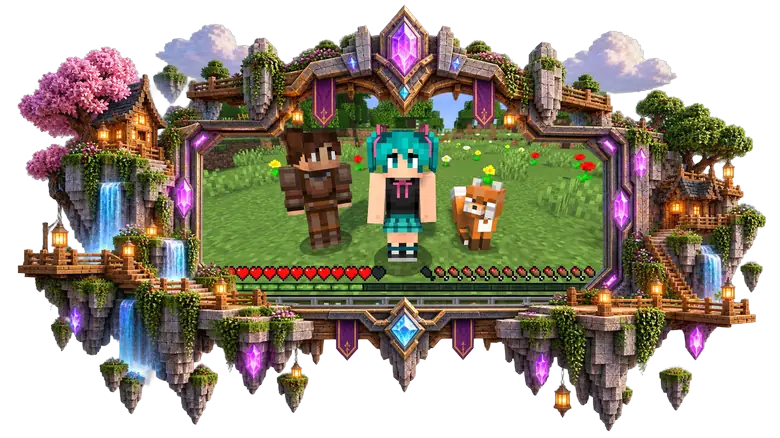
Jenny Mod can include more than one character, but the available roster depends on the particular version or build you installed. Some characters may have their own spawn items, while other builds can use different methods.
I would test characters individually rather than spawning the entire roster at once. This makes it much easier to see which character is causing a problem if something does not load correctly.
Choose a Test World
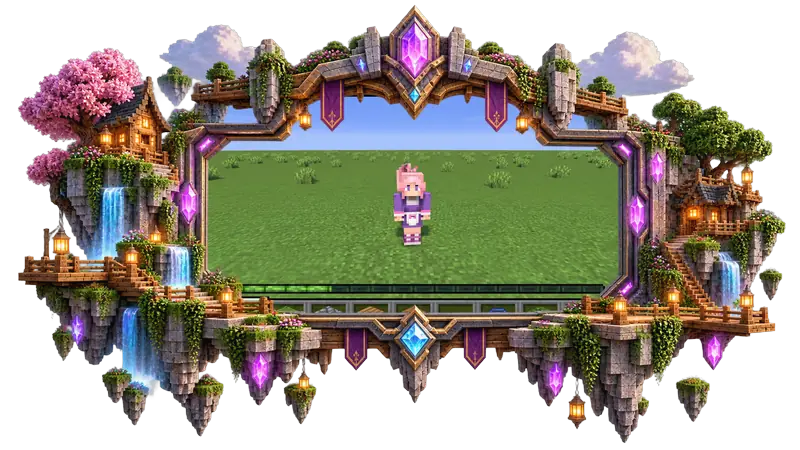
For your first gameplay session, Creative Mode is usually the easiest place to start. You can quickly spawn a character, test interactions, move around, and check different mechanics without worrying about losing resources or dealing with normal Survival hazards.
The important point is that spawning Jenny is only the beginning. Once she is in your world, the interesting part is learning how to interact with her and control her companion behavior.
Your First Interaction With Jenny
Once Jenny is standing in your world, do not worry about commands or complicated settings right away. I recommend simply approaching her and testing the basic interaction options first. This gives you a quick idea of how your particular Jenny Mod build handles characters and lets you spot missing features before you start a longer Survival session.
Approach Jenny
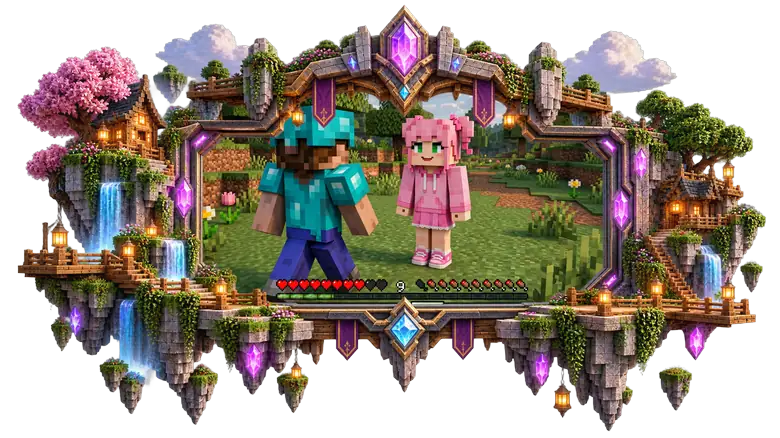
Walk close to Jenny just as you would approach another interactive character in Minecraft. Watch for the interaction prompt or available action when you are within range.
On Java Edition, interaction will normally involve your mouse controls. On Bedrock, the exact action can depend on whether you are using touch controls, a controller, or a keyboard and mouse.
Open the Interaction Menu
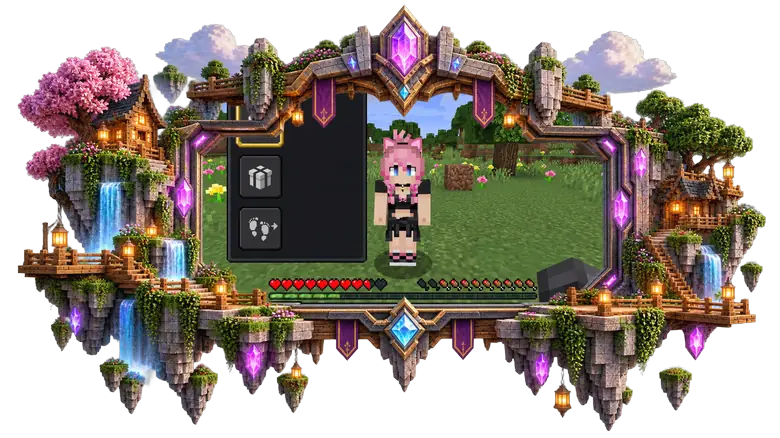
If your version provides an interaction menu, use the available interaction control to open it. This is where you may find options related to talking, gifts, movement, or other character actions.
The menu can look different between builds, so I would not rely on a screenshot from another version as an exact representation of your own game.
Talk to Jenny
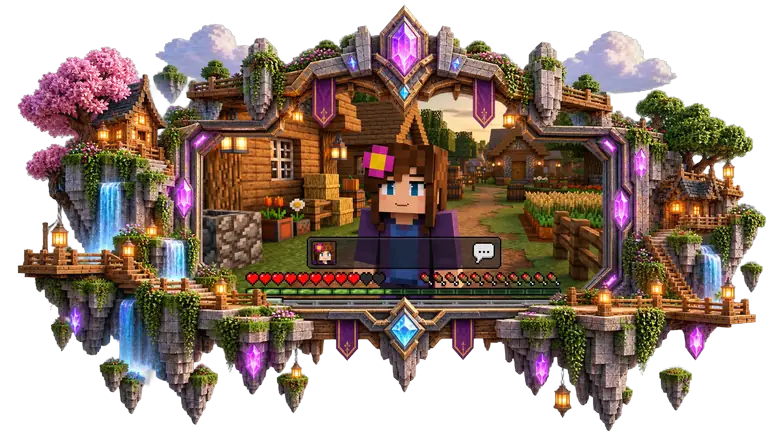
Try the dialogue or conversation option first if your build provides one. Jenny may respond with available dialogue, animations, or other character reactions.
This is also a useful test. If Jenny appears in the world but does not respond to any interaction, check that your Minecraft version and Jenny Mod build are actually compatible before assuming the entire installation is broken.
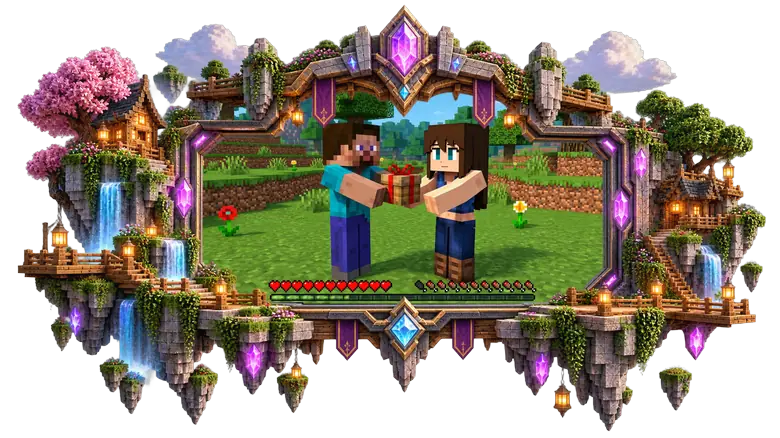
Try Different Actions
Once basic interaction works, test the other options available to you. You can try giving a supported gift, changing her movement behavior, or simply walking away and seeing how she responds.
I prefer testing these actions one at a time. It makes it much easier to understand what each option does and prevents confusion when several companion mechanics are active at once.
After you are comfortable with basic interaction, you can start using the more useful companion features such as Follow, Stay, and other movement behaviors during exploration.
Jenny Mod Companion Mechanics
One of the most useful parts of Jenny Mod is the ability to have supported characters behave more like companions. Instead of leaving Jenny in one location, you can use the available movement options to decide whether she should travel with you, remain where she is, or move around independently.
The exact options depend on your Jenny Mod build, so I recommend checking the interaction menu in your own version before relying on a specific command or behavior.
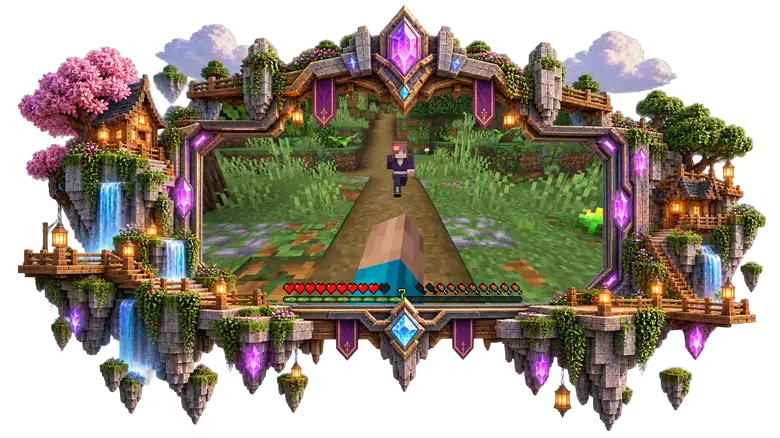
Follow
The Follow option is useful when you want Jenny to travel with you. Once enabled, the companion can move behind you while you explore your world, travel between locations, or move toward a new base.
If she falls behind, give her a moment to catch up. Companion movement can also be affected by terrain, obstacles, water, caves, and other parts of the Minecraft environment.
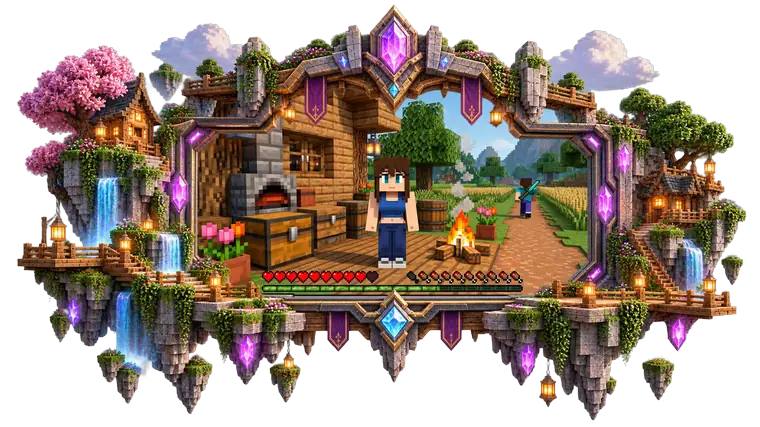
Stay
Stay is useful when you want Jenny to remain in a particular location instead of following you everywhere. I find this especially helpful when creating a base, bedroom, village area, or dedicated companion space.
You can leave her in the chosen location and return later rather than having the character follow you into every dangerous area.
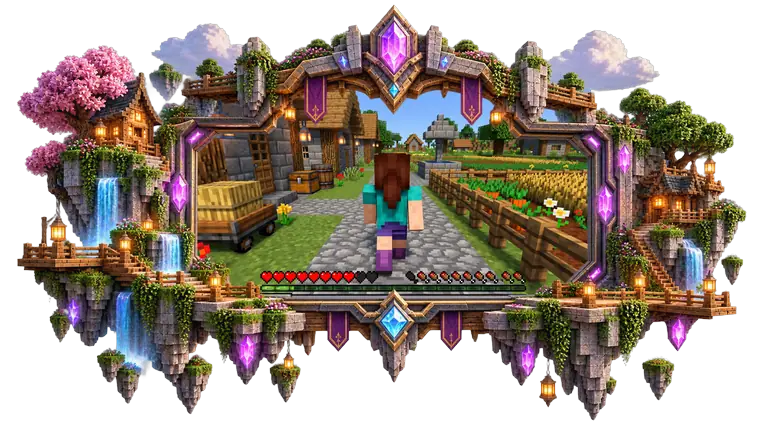
Wander
Some builds provide a Wander or similar independent movement option. Instead of directly following the player, the companion can move around the surrounding area on her own.
This can make a base or custom-built area feel more active, but the exact movement behavior depends on the version you are using.
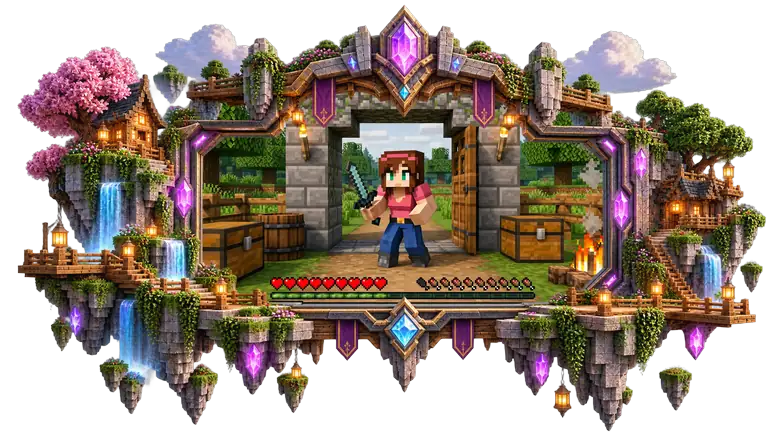
Guard
If your particular build supports a Guard-style behavior, it can be useful for keeping a companion around a specific area. However, I would not assume that every Jenny Mod version includes the same guard mechanics or combat behavior.
If you cannot find this option in your interaction menu, it may simply not be part of your installed build.
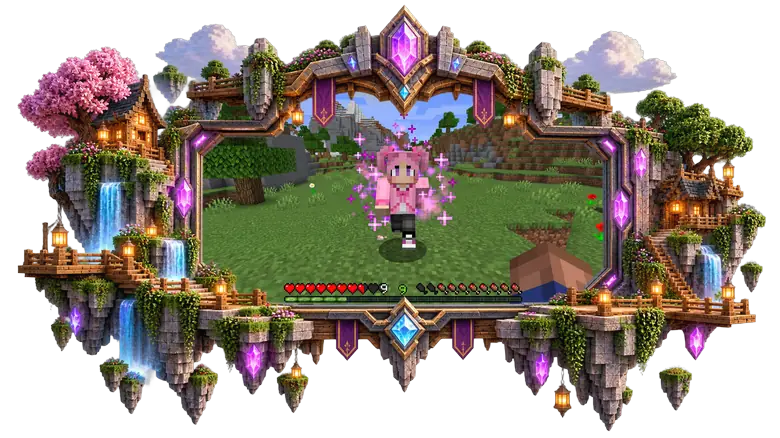
Companion Teleporting
Some versions can help companions catch up when they become separated from the player. This can be useful during long journeys because Minecraft terrain can easily leave a character behind.
Still, I would not treat teleporting as guaranteed behavior. If Jenny becomes stuck or disappears after travelling a long distance, the cause may be a version-specific limitation, terrain problem, or mod issue.
The easiest way to understand these mechanics is to test Follow, Stay, and Wander individually in a Creative world. Once you know how your build handles each behavior, using Jenny as a companion in Survival becomes much more natural.
What Happens When Give Gifts to Jenny ?
Giving gifts is another interaction you can try once you have Jenny in your world. In builds that support a gift or relationship system, certain Minecraft items can be offered to a character and may trigger a reaction, dialogue, animation, or other interaction. The exact items and results depend on the Jenny Mod version you are playing.
How to Give a Gift
Start by approaching Jenny and opening the available interaction options. If your build includes a gift option, select it and choose an item that the character accepts.
I recommend trying this in Creative Mode first. You can quickly test different items without spending resources from your Survival inventory and see which ones your particular version recognizes.
What Happens After a Gift
The response can vary depending on the character and build. You may see a different character reaction, dialogue, animation, or another form of feedback after giving an accepted item.
Do not worry if a gift mechanic shown in an older video looks different in your game. Jenny Mod has appeared in different builds, and interaction systems can change between versions.
Which Items Can You Give?
There is no reason to assume that every Minecraft item will work as a gift. Supported items are determined by the particular Jenny Mod implementation you have installed.
If an item does nothing, try another supported interaction rather than repeatedly giving the same item. It is also worth checking that you are using the correct character and compatible version.
Does Gifting Change Gameplay?
In versions that include relationship or affection-style mechanics, gifting can be part of a broader interaction system. Your actions may contribute to the way a character responds or to interactions that become available.
However, I would avoid treating a specific affection number or fixed gift progression as universal. Those details can vary between Jenny Mod builds.
For me, the main value of the gift system is that it gives the companion interaction more depth than simply having a character follow you around. After testing gifts, the next natural step is taking Jenny outside your base and seeing how she behaves during normal Minecraft exploration.
Exploring Minecraft With Jenny
Once you understand the basic Jenny Mod interactions and companion controls, you can take Jenny beyond your base and use her during normal Minecraft exploration. The Jenny Mod gameplay experience becomes more interesting when you travel, build, discover new areas, and deal with the challenges of the Minecraft world together.
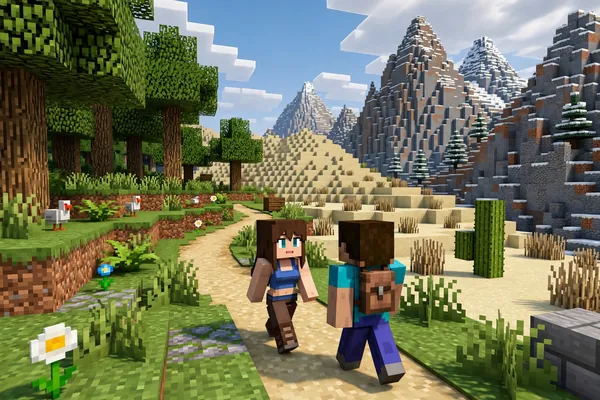
Explore Different Biomes
Take Jenny with you through forests, plains, deserts, mountains, caves, and other Minecraft biomes. When Jenny Mod Follow is available, your companion can travel behind you while you explore instead of remaining at your base.
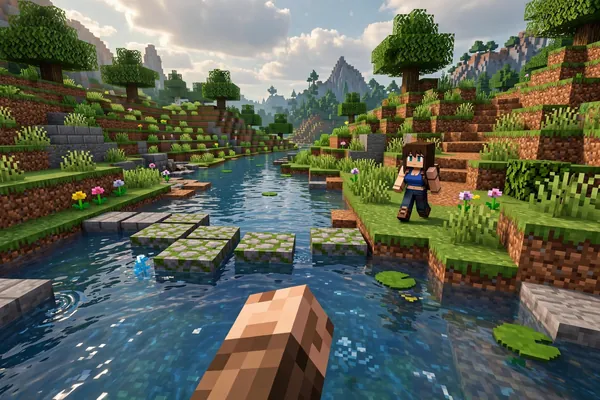
Travel With Your Companion
Before starting a long journey, set Jenny to Follow and make sure she is responding normally. Travel at a reasonable pace and check that she stays nearby, especially when crossing water, mountains, caves, or uneven terrain.
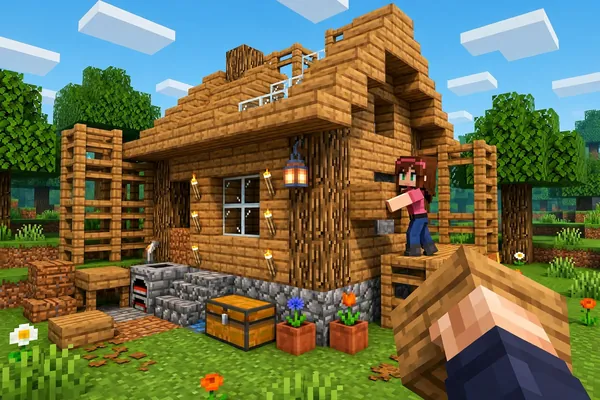
Build Together
You can make Jenny part of your Minecraft builds by creating a house, room, garden, village area, or dedicated companion space. Using Jenny Mod Stay or another supported behavior lets you keep her in the location instead of having her follow you everywhere.
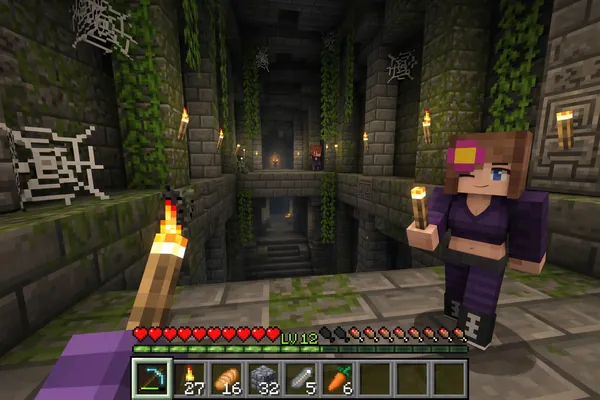
Visit Structures
Exploring villages, temples, caves, abandoned areas, and other Minecraft structures with Jenny gives you another way to experience normal gameplay. It is also a useful opportunity to see how your Jenny Mod companion handles different environments and obstacles.
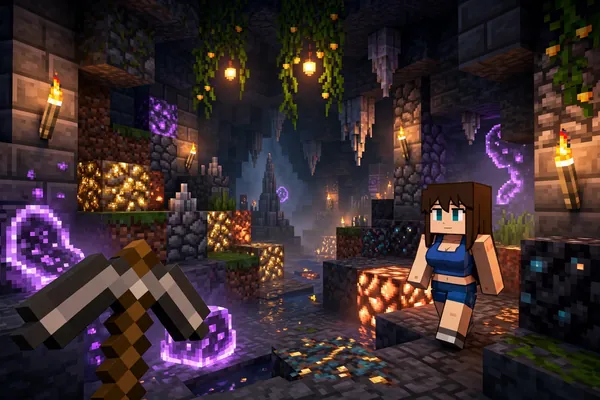
Explore Caves and Dangerous Areas
I recommend testing Jenny in safe areas before taking her into caves or dangerous locations. Once you know her movement and companion behavior work correctly, you can bring her along during more challenging Minecraft Survival exploration.
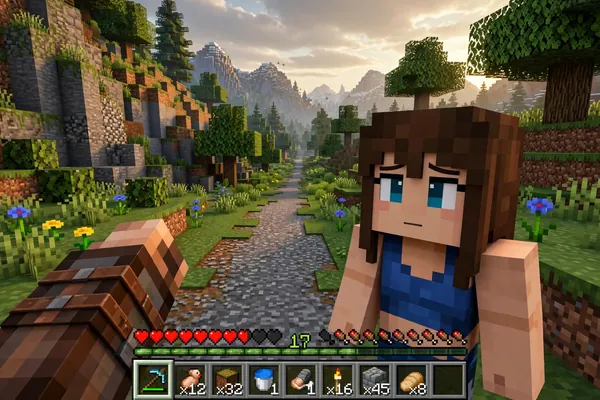
Keep Jenny Nearby
During long-distance travel, keep checking your companion because difficult terrain can cause Jenny to fall behind or become stuck. If your Jenny Mod version supports catch-up or teleport behavior, it may help, but these mechanics can differ between builds.
Jenny Mod in Survival Mode
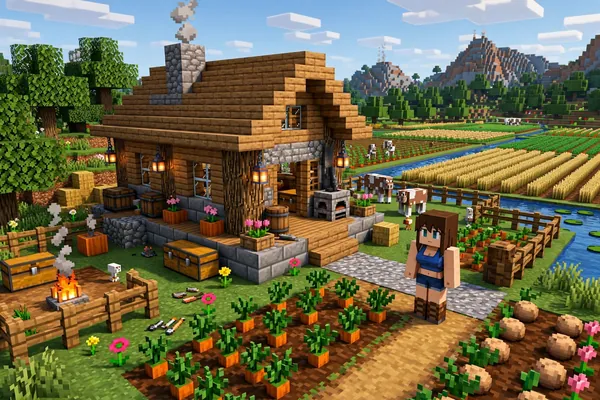
Jenny Mod can add a different feel to Minecraft Survival because your companion can become part of normal exploration, travel, building, and encounters instead of simply staying in one place. I recommend testing the main companion features in Creative first, then bringing Jenny into Survival once you know how her movement and interactions work in your particular build.
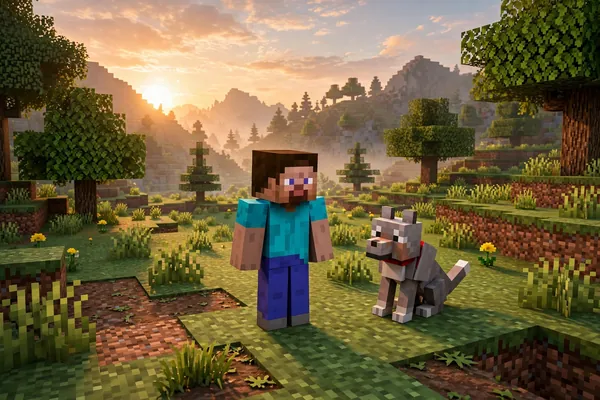
Start a Survival World
Create or open your Minecraft Survival world after confirming that Jenny Mod is working correctly. Keep your first session simple and test basic actions such as Follow, Stay, interaction, and movement before taking Jenny far away from your base.
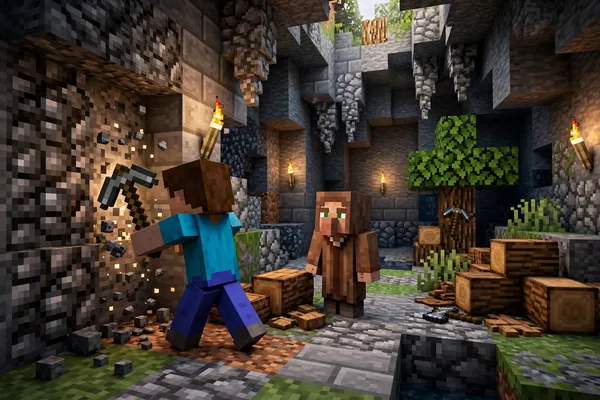
Gather Resources With Jenny
You can take Jenny along while collecting wood, mining, exploring caves, or travelling between locations. The companion can make ordinary resource-gathering sessions feel more interactive, although Jenny’s ability to assist with specific tasks depends on the version you have installed.
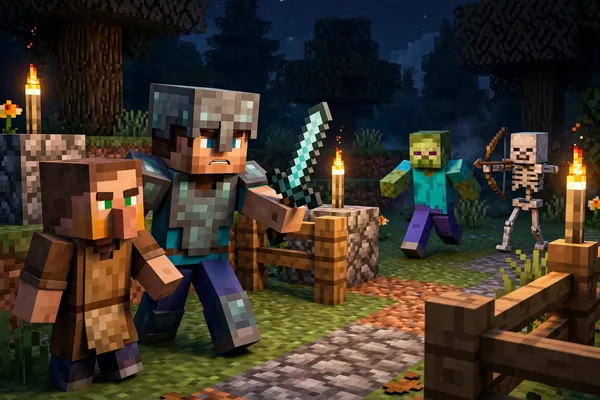
Handle Hostile Mobs
Some Jenny Mod builds provide companion behavior around hostile mobs, which can make encounters more interesting during Survival gameplay. Do not assume every character has the same combat abilities, though, because fighting behavior can differ between characters and versions.
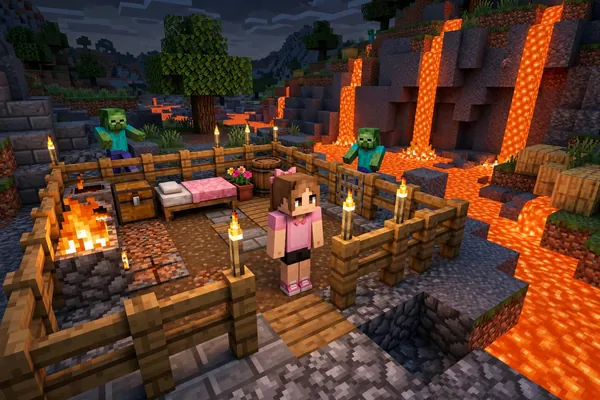
Keep Your Companion Safe
Minecraft Survival has plenty of hazards that can separate or damage a companion, including lava, cliffs, water, hostile mobs, and difficult terrain. When exploring with Jenny, I recommend watching her position and avoiding situations where her movement AI could leave her trapped.
Existing Survival Worlds
You may be able to use Jenny Mod in an existing Survival world when the Minecraft version and mod setup are compatible. Before doing this, I strongly recommend backing up the world because adding or removing mods can sometimes affect a Minecraft save.
Test Before Long Sessions
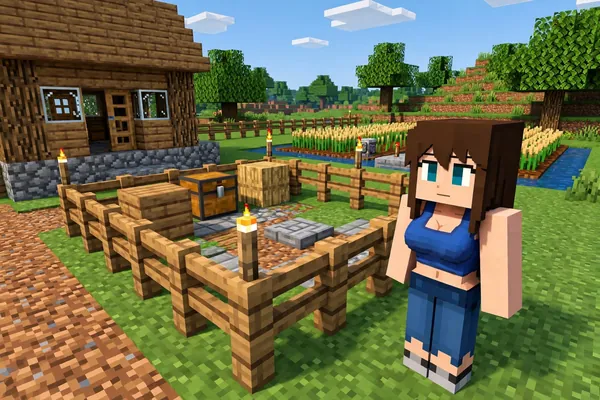
A short test session can save you from discovering problems after hours of Survival progress. Spawn Jenny near your base, test her interactions and movement, take a short trip, and only then start using the Jenny Mod companion during longer adventures.
Jenny Mod Animations and Interactions
Character animations are an important part of the Jenny Mod experience because they make companions feel more active than ordinary Minecraft entities. You may notice different movements, idle actions, interaction reactions, or combat animations while playing, but the exact Jenny Mod animations available to you depend on the character, Minecraft edition, and build you installed.
Character Movement
Watch how Jenny moves around your world when she is following, wandering, or travelling between locations. Walking speed, movement style, and navigation can vary between characters and versions, especially when comparing Java and Bedrock gameplay.
Idle Animations
When Jenny is not actively following you, the character may display different idle movements or behaviors depending on the build. These small animations can make a companion area, house, or base feel more active while you are nearby.
Interaction Reactions
Interactions can trigger character movements, dialogue responses, or other animations where supported. Try different available actions in Creative Mode first so you can see which Jenny Mod interactions your version actually provides.
Dialogue Animations
Some builds combine dialogue with character reactions or animations, making conversations feel more dynamic than ordinary Minecraft text. The available dialogue and presentation can differ between characters, so do not expect every companion to respond in exactly the same way.
Combat Animations
Where combat behavior is supported, you may see character movements associated with attacks or other combat actions. These animations depend heavily on the character and build, so missing combat animations do not automatically mean your entire Jenny Mod installation is broken.
Java vs Bedrock Animation Differences
Animations can look or behave differently between Jenny Mod Java and Bedrock versions because they use different mod and add-on systems. If an animation you saw in a Java gameplay video is missing from your Bedrock world, first check whether that feature is actually included in your specific build.
Jenny Mod Gameplay Problems
Sometimes Jenny Mod can work correctly at installation but still behave unexpectedly during gameplay. Jenny may not spawn, stop following you, disappear, or show fewer interactions than expected. I use the following quick checks before changing the entire installation, especially because some features depend on the Minecraft edition and Jenny Mod build.
If the problem continues after these checks, the issue may be related to the installation, Forge, add-on files, compatibility, or another Minecraft mod. Those technical problems are better handled separately from normal Jenny Mod gameplay troubleshooting.
FAQs
Conclusion
Jenny Mod turns ordinary Minecraft sessions into a more companion-focused experience where you can interact with characters, give gifts, explore together, use Follow or Stay behaviors, and test different gameplay mechanics in Creative or Survival. For me, the best way to approach it is to start small, learn how your particular character and version behave, and then gradually use those features during normal Minecraft gameplay.
Keep in mind that Jenny Mod gameplay can differ between Java and Bedrock, and not every build includes the same characters, commands, animations, or companion abilities. Test your version in Creative first, keep important Survival worlds backed up, and then take Jenny along once you know what your setup supports.